
Dashboard at Futuristic
In the description of Smarty, we have already told everything about the dashboard, attach here a video presentation:
JSON API
Historically, TV and console applications receive data from the Smarty server in XML format, as older devices do not support JSON.
In this release, we made our portal applications omnivorous and taught them how to work with API responses in JSON.
Why? Serialization of JSON responses from the server side is more advantageous in terms of performance by about 25%, so the partial transfer of devices to JSON should save precious server power.
You can try to transfer devices to JSON by updating the value of the API type on the device page, but be careful: if the device has not yet managed to get the current version of the portal (for example, it has not restarted for a long time), then it can begin to emit errors. Therefore, before switching, make sure that all devices of this type have received the update.
Advertising
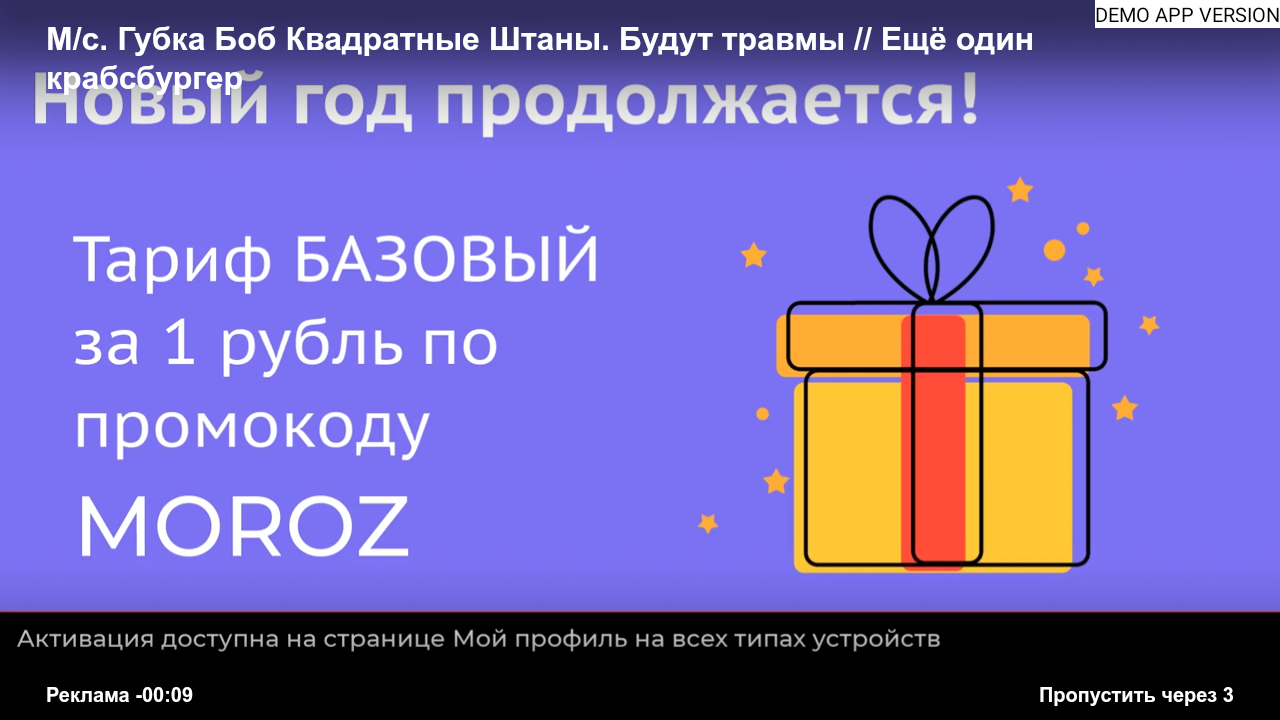
In the previous release, we said that we added for commercials the ability to skip them after a given number of seconds - this is the refinement of this mechanism:
- now the duration of the video is taken from the player if it is not specified in the commercial in Smarty
- added a new player mode in viewing advertising, in which there is no opportunity to rewind or pause
- adjust the display styles of the advertising panel on different devices
Multilingualism in Futuristic and Impuls
Our English-speaking operators and subscribers will be glad that now applications on Smart TV pick up the system language of the device at the first launch (if, of course, it is supported in the application).
This means that if you have a multilingual audience, then despite, for example, the deficient Russian language of the application, the English version of the interface will be installed to subscribers with the English system language at the first launch.
What’s more, the now exposed keyboard language, audio track names, and subtitles also change along with the change in the application language.
New Player Option for Flussonic
In the release 22.06 colleagues from Flussonic made some changes in the formation of HLS playlists, in connection with which some players when working with archival links of the format https://pvr.example.com/$prefix/archive-$flpbt-$flpdur.m3u8 they began to behave not quite correctly when rewinding from Live - the playback began with the current Live position, and not with the one to which the rewind was carried out.
To properly handle the new behavior of these playlists, we added an option 'streamer_type': 'flussonic' into client.js, which, when rewinding back from Live, forcibly rewinds to the first stream segment.
Windycast and Volume Level
Added the ability to adjust the volume level on TVs and consoles when controlling the application using Windycast.
Support for subtitles for WRT
Added support for display and management of subtitles on consoles WRT.
IMPULSES
Video stubs for lock channels
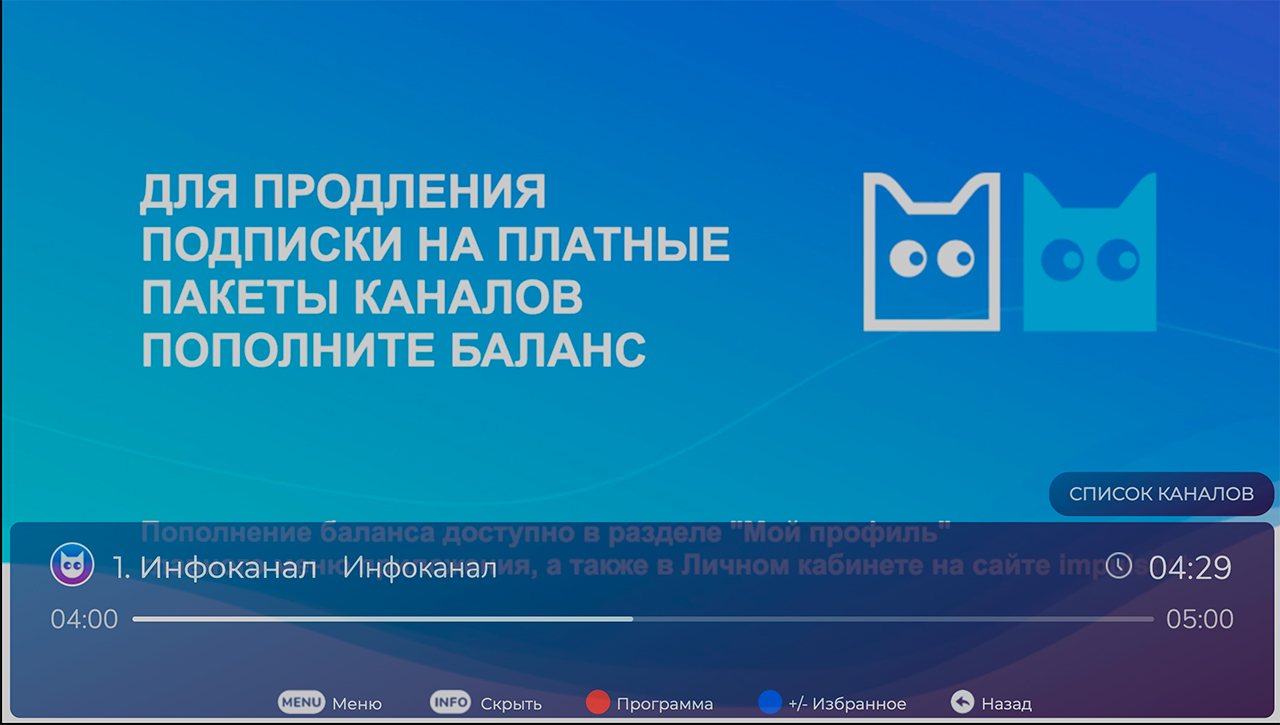
For channels with locks, you can now install a video stub, for example, with a reminder to replenish your account or instructions for connecting a more expensive tariff. In addition to the video stub, you can also display a banner with a picture on top.
Timeout processing for channel list
Fixed an issue in which the Impuls template did not update the list of channels, if due to the low speed of the Internet connection it did not come from the first time in the application - now in this case, the list is requeried.
FUTURISTIC
Widgets
Recently we showed our new dock on widgets and it was for a reason 🙂
In the process of updating the documentation, many pitfalls were discovered and corrected, and a number of new features were added to our widgets, here is the full list of changes:
General widgets
- Duplication of applications with the same system name has been fixed.
- Eliminated situations in which a certain order of action lost focus on the main screen.
Widget Channel
- Improved readability of the channel name.
- Added the ability to set the widget picture through the attribute
image_url, which will be displayed instead of the channel preview (you can add an advertising banner, for example). - Added lock display on the widget, if the channel is not included in the subscription of the user.
- Fixed duplication widget when creating two widgets with the same
id.
Widget Banner
Stylish changes were made to the Banner widget, the stability of the work was increased.
Widget weather forecast
- Added a rendering of missing weather conditions for the Futuristic X style.
Movie Promo widget
Added a new parameter timer to set the period in seconds for movie rotation in the widget.
Video library
- Adjusted display of plaques with logos of external cinemas
- Fixed problems with navigation and pressing pages with movies
Options for publication in Android-markets
- The inclusion of the option of razlogin for markets (mandatory option in applications for publication)
- For application in mode
Launcherthe possibility of getting out of them
Player navigation
- In the player screen, the behavior of the “Left” button is changed to rewind if there are archival records on the channel.
- Fixed the problem with the fact that the button “Back” ceases to respond, after starting the archive transfer from the screen of the program.
- Now the error message is not shown if the stream is interrupted due to the re-request of a new segment of the archive record.
- Now, when you run the current transmission from the transmission list, transfer description or search, it will be played first, rather than just showing the view screen.
Other
- Corrected minor flaws in the layout screens of the login, player, transmission program, home screen and content description screens.
- For LG Netcast, the definition of content length in the player has been adjusted, in connection with which viewing positions for films are now correctly set.
- For Assets in general, a flexible duration mechanism has been added for cases where duration is not specified in Smarty.
