
In the release of Smarty 2.2 prepared new features inside the module «Fides», integration with the payment gateway Viva, a new mode of operation of the video library from the archive and much more.
New in the module «Fides»
Improved functionality of the display feed it's on Tizen TV.
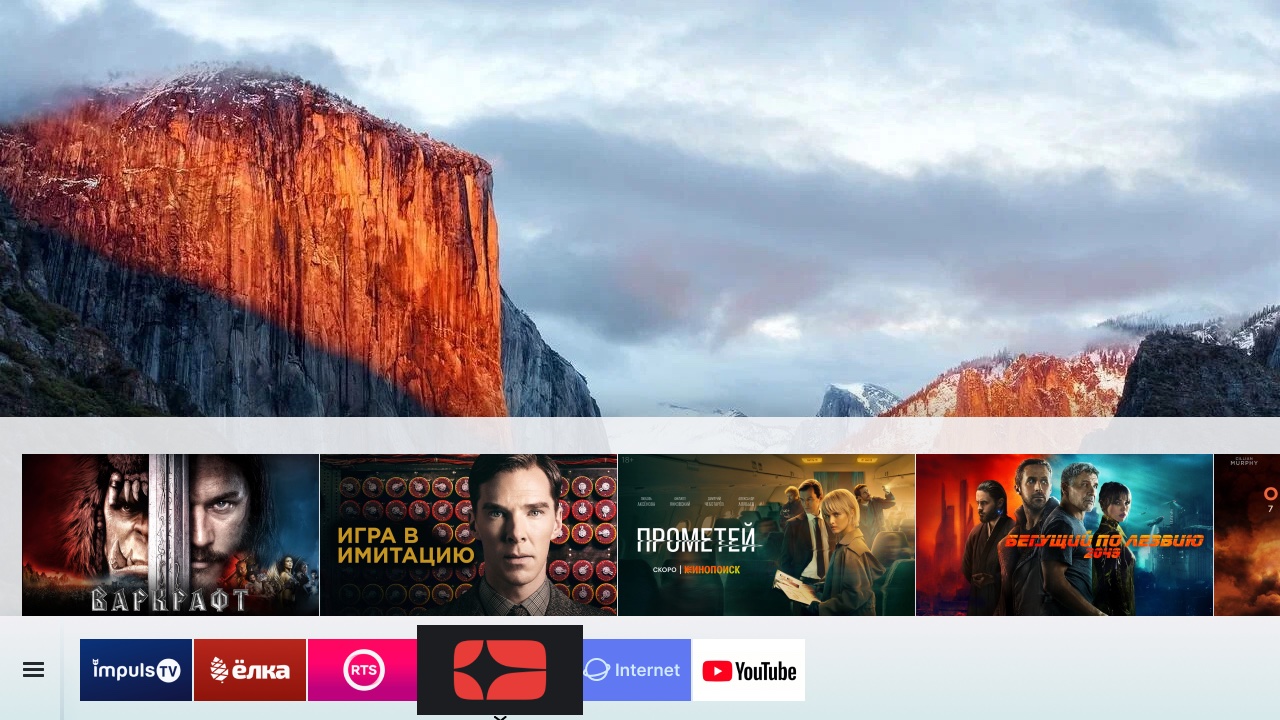
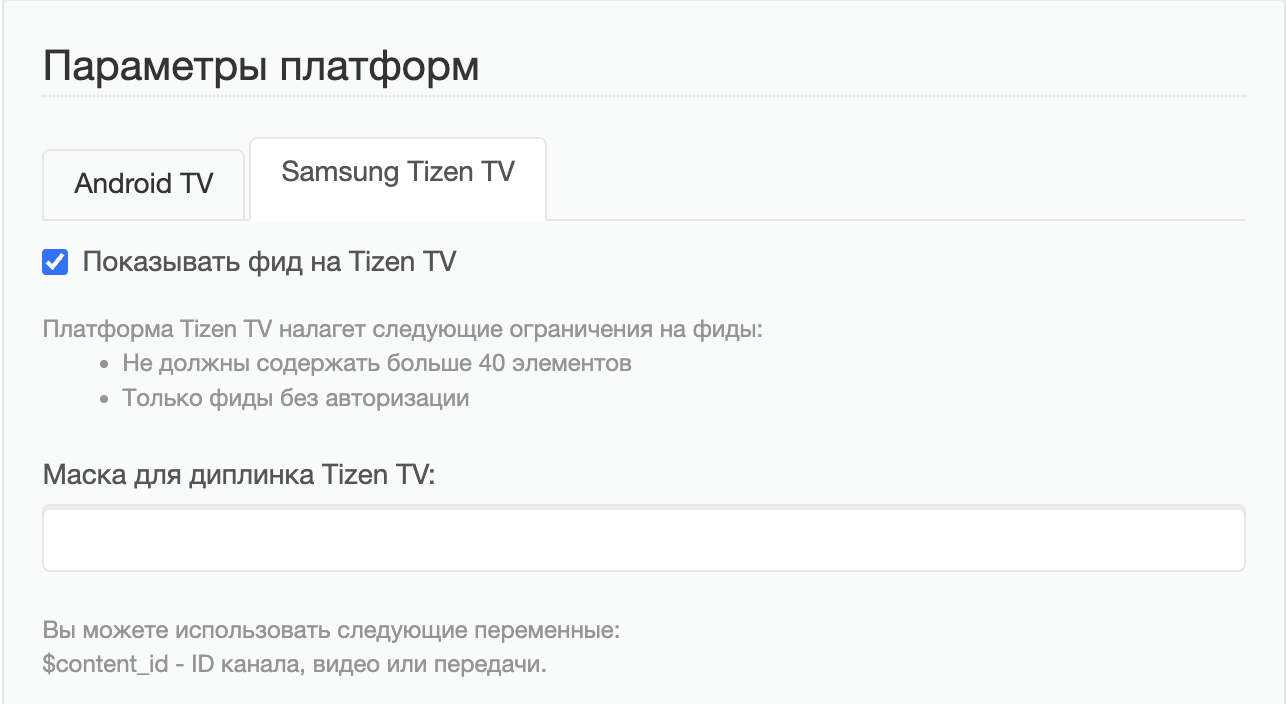
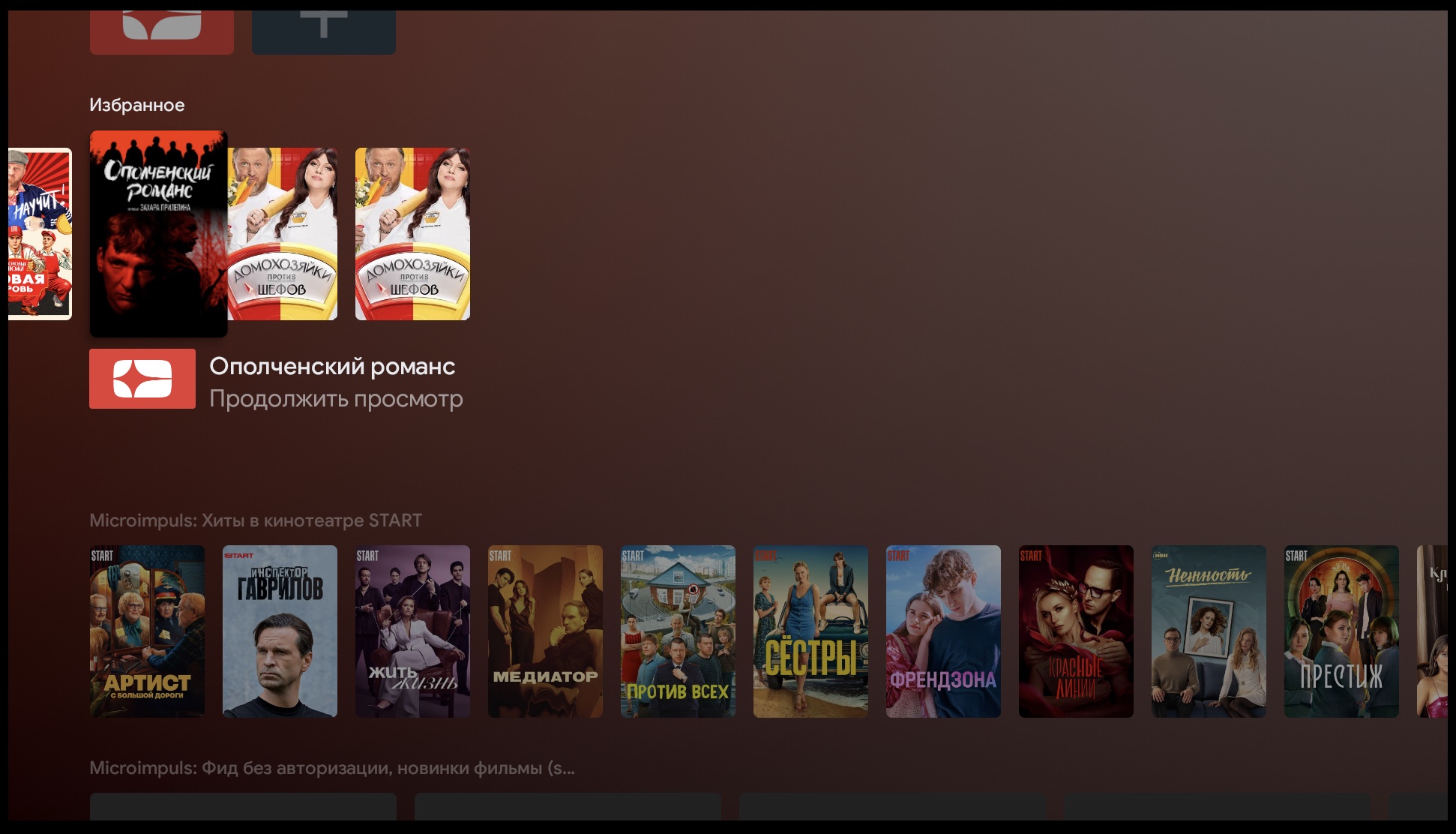
And also added ribbon support «Continue viewing/Favorites» for Android TV.
Integration of Smarty with Viva
Smarty integrated payment with the European payment gateway Viva, originally from Greece. This integration is relevant for operators who use Smarty’s internal billing to charge subscribers.
Video library from archive records
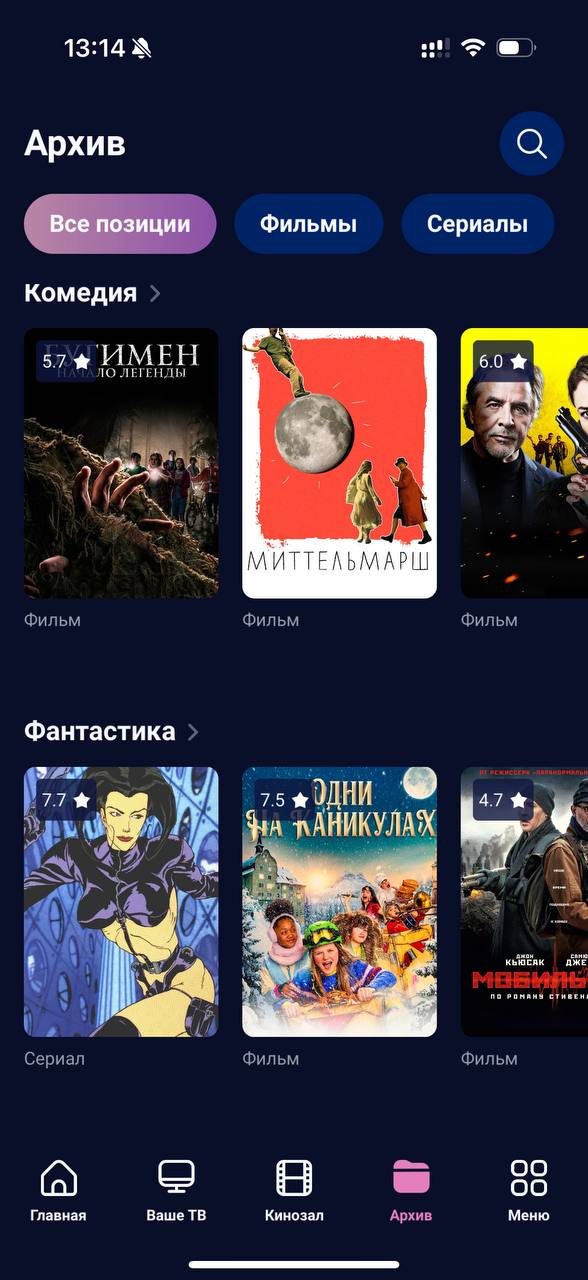
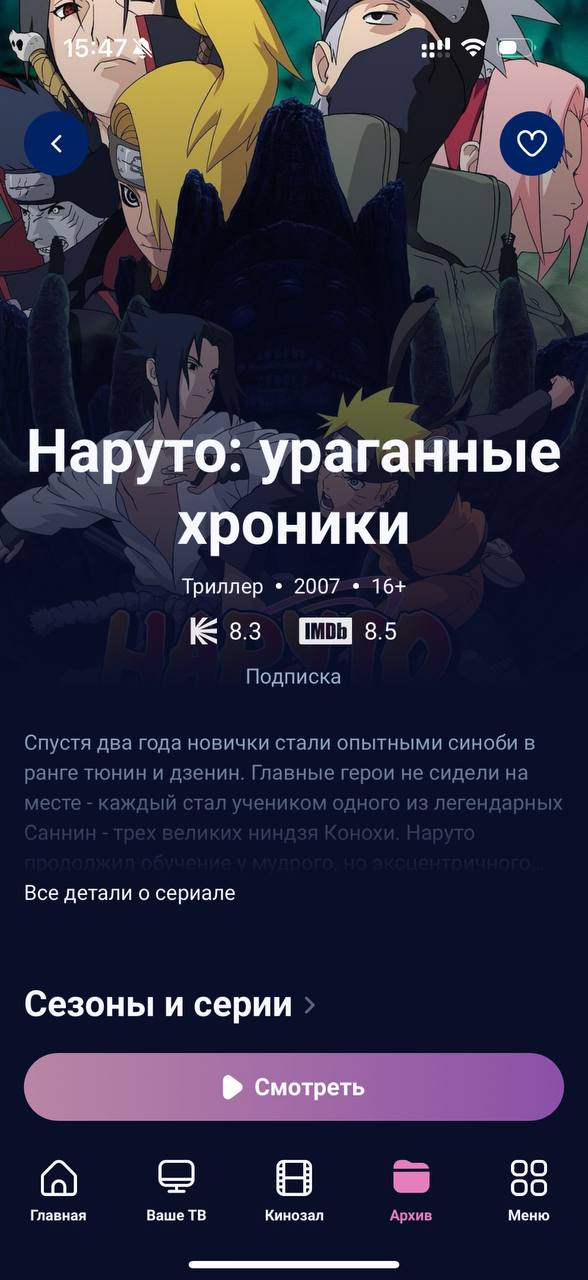
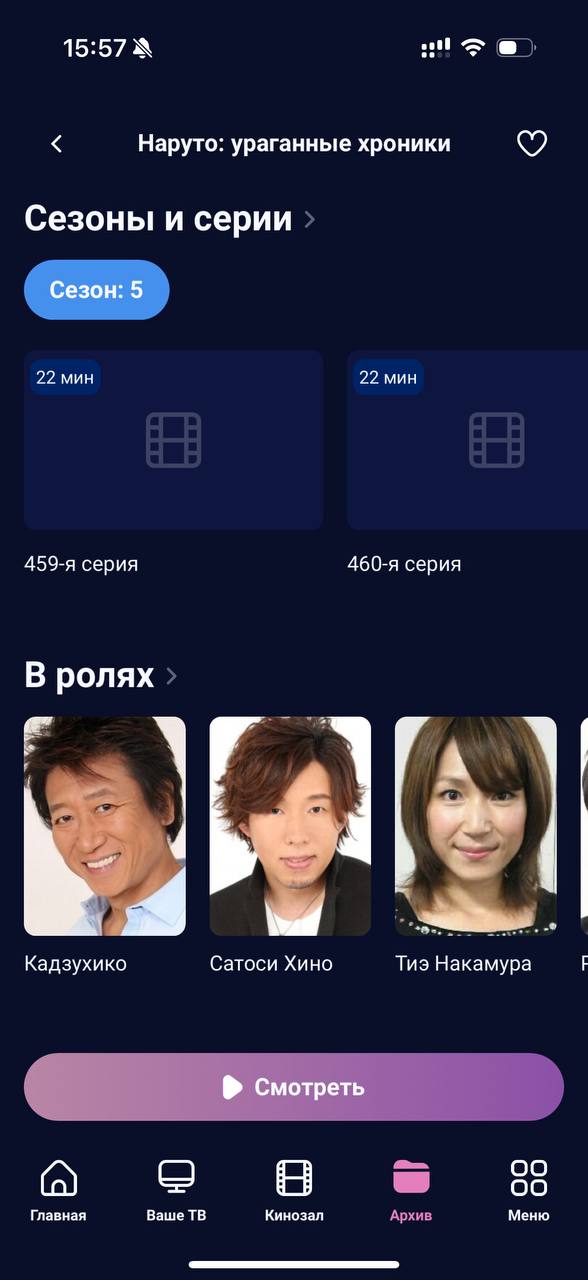
You have long asked us to enrich the section «Archive» features of the main video catalog: adding to your favorites, filters by actors, countries, ratings, etc., as well as the correct and beautiful distribution of series by seasons for series. Therefore, in this release we present to your attention a new mode of display of archival records — Video archive.
In this mode, a special team make_vodpvr creates Video objects based on past transmissions with archival recording. We list the features of the new regime compared to the old:
- since the team creates exactly the Video objects, in the interface, such archival records look exactly like movies and series from a regular catalog: with vertical posters and other cinema meth (if this graphic is available in the EPG source)
- such records can be mixed into the general directory with films and not to emphasize the attention of subscribers that these are records from channels (although this will still be clear from advertising inserts) — for example, now they can be mixed into the Cinema in the Sibseti interface using a new option
show_archive_in_vod_screen.
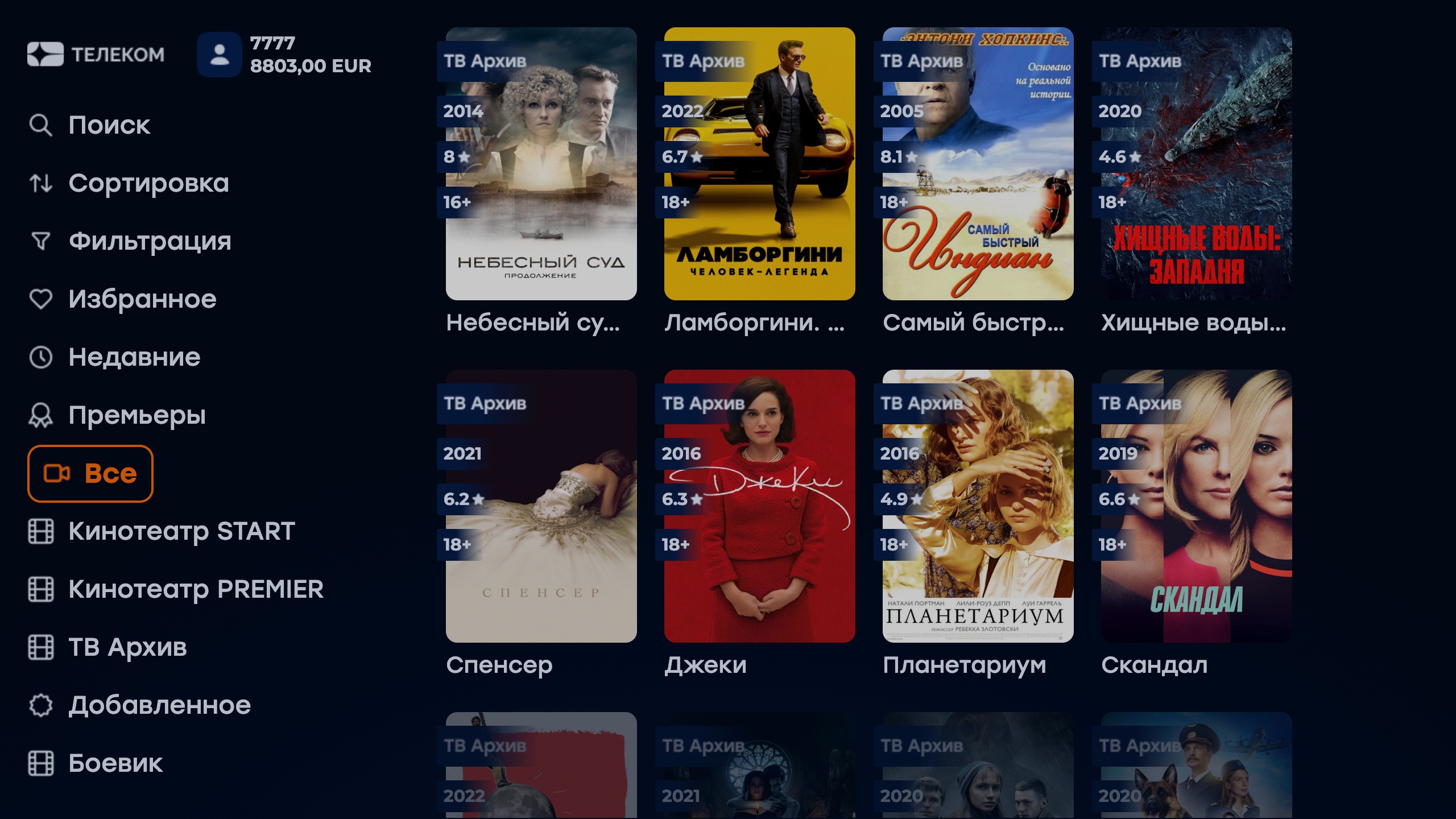
- the objects of these archive films are created by the management team, so « on the fly» the transfer will not appear in the catalog, only after the next run of the command — this makes the new archive mode more responsive than the previous one
- the distribution of series and seasons for archival series is formed on the basis of meta-information specified in the EPG source
Internal video library
- New team added
remove_invalid_actorsto clean up the actors that no film is attached to. - Adjustment added
TVMIDDLEWARE_TMDB_IMPORT_LANGUAGEImport language from the TMDB meth base. - In the parser of meta from Kinopoisk, the exception processing is added with an incorrect stub of the actor's photo — in this case, parsing now continues, skipping the broken picture.
- Movies have a field «Short Description» which is filled in from external theaters, Content API and other content meta databases.
- A team has emerged
clean_duplicated_genresto search for and clean up duplicate genres that may have appeared when imported from different outdoor cinemas. The team looks for takes, untie films from them, tie them to « original» genres and then remove duplicates.
Smarty integration with cinemas
Integration with cinema billings
Integrations with START and Viju cinemas, in addition to synchronizing content directories, also include subscription mechanisms in movie theater billing systems. As part of this release, the billing integration scenario has been adjusted for the future implementation of trial and promotional subscriptions. What has changed in terms of integrations:
- new mandatory management-team
check_video_subscriptions, which performs the renewal and closing of subscriptions on the side of external theaters (relevant for operators using standard billing logic non-subscription); - previously, endless subscriptions were created on the cinema side and closed when the tariff is turned off or the account is deactivated on the Smarty side, now subscriptions are created for the period specified in the tariff with the cinema and, if necessary, are extended for the same period by the team
check_video_subscriptions; - exceptions are operators using Smarty’s internal billing to renew and deactivate accounts (team)
check_accounts) — in their case, subscriptions in external theaters are based on fields « renewal date» and « deactivation date» account, but also renewed by the teamcheck_video_subscriptions(recommended to launch)check_video_subscriptionsimmediatelycheck_accounts).
PREMIER
- New options
-load_actor_meta_from_mdband--reimport_actorsteampremier_sync_contentto download actor data from a third-party content meta database. - Added the preservation of serial numbers of seasons and episodes.
STARTART
- For actors of the START cinema within the option
--update_actorsteamcinema_start_sync_contentnow download photos of actors with an aspect ratio of 2: 3. - Selections of the START cinema are no longer duplicated, if its name is changed by the cinema for the correct operation of the new mechanism, we recommend cleaning the old downloaded collections.
- Corrections have been made to the mechanism for sending viewing statistics to the START cinema.
- Additional attempts to download images are added if the START API is not available.
- Updated team
cinema_start_resync_subscriptionscheck the synchronization of subscriptions between Smarty and START. - Added the preservation of serial numbers of seasons and episodes.
TVMW API
- Method
Customer TariffListnow takes into account the availability by IP and by region when calculating the list of tariffs available to the subscriber. - Previously in the method
Loginfor an inactive account, an empty line was returned as status_reason, now the status is returnedINACTIVE. - Enter method
ContentPositionSetadded auxiliary fieldsdurationandis_viewedWhen transmitting them, the method does not use a constant database to calculate the viewability for the video file, which has a positive effect on the load. - New method added
AccountSettingsChannelInfofor information about account settings for channels: selected channels, hidden channels, channels with parental control. - Optimized operation of the method
VideoRatingSet. - Added field
short_descriptionin response to video techniques. - In method
PortalDashboard VideoListthe empty term field is now 0 instead of an empty string. - In response to method
Video EpisodeListfieldnumber. - Added a new input parameter
merchant_typemethodically PaymentQRCode. - New method added
CustomerPaymentInfoto obtain detailed payment. - Entrance methods
GenreListandNo AuthGenreListparametersource. - Reduced cache volume to prepare method response
CameraList. - In search methods
VideoListandChannelListSearcha non-sensitive search by e/e is implemented; the search results will show results in both letters, regardless of the one that was submitted as a search combination. - Fixed cache disability in method
ProgramUrlwhen changing the transmission using accurate labels.
Billing API
- Added field
metamethod-entryCustomerCreateandCustomerModify. - 2 times reduced working time of the method
CustomerList. - Method entry
TransactionCreateparameterext_id.
External API
- Added novelty for the possibility of redefinition:
get_tariff_price,get_pay_sumandget_pay_sum_no_discount.
Content API
- Input parameters added
short_descriptionandad_banner_imagemethodicallyVideoCreateandVideoModify. - New method added
VideoDetailfilm-makingid. - In method
ActorCreatethe actor is no longer created if his photo is not available for download. And also added a new input parameterphoto_urlto upload a photo of the actor to the URL.
New in the admin Smarty 2.2
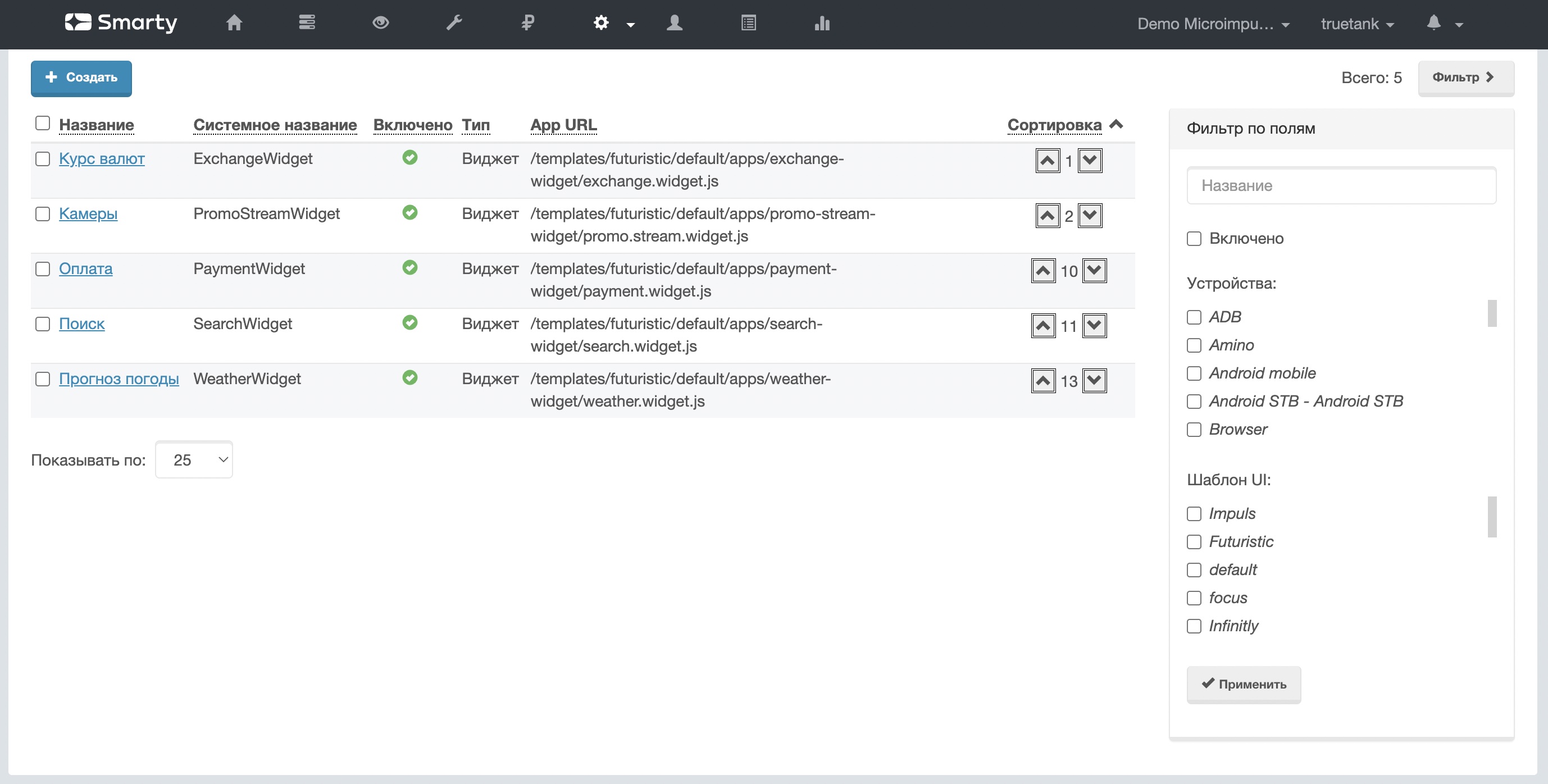
- In «Catalogue of applications » added filter template.
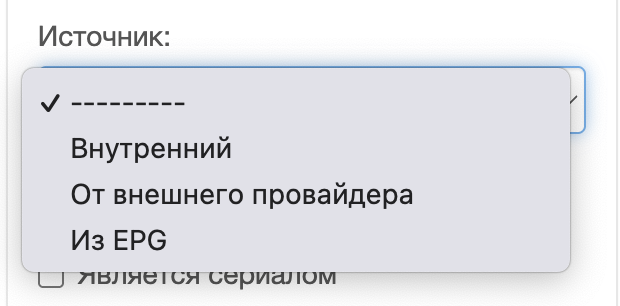
- A filter by source has been added to the movie list page.
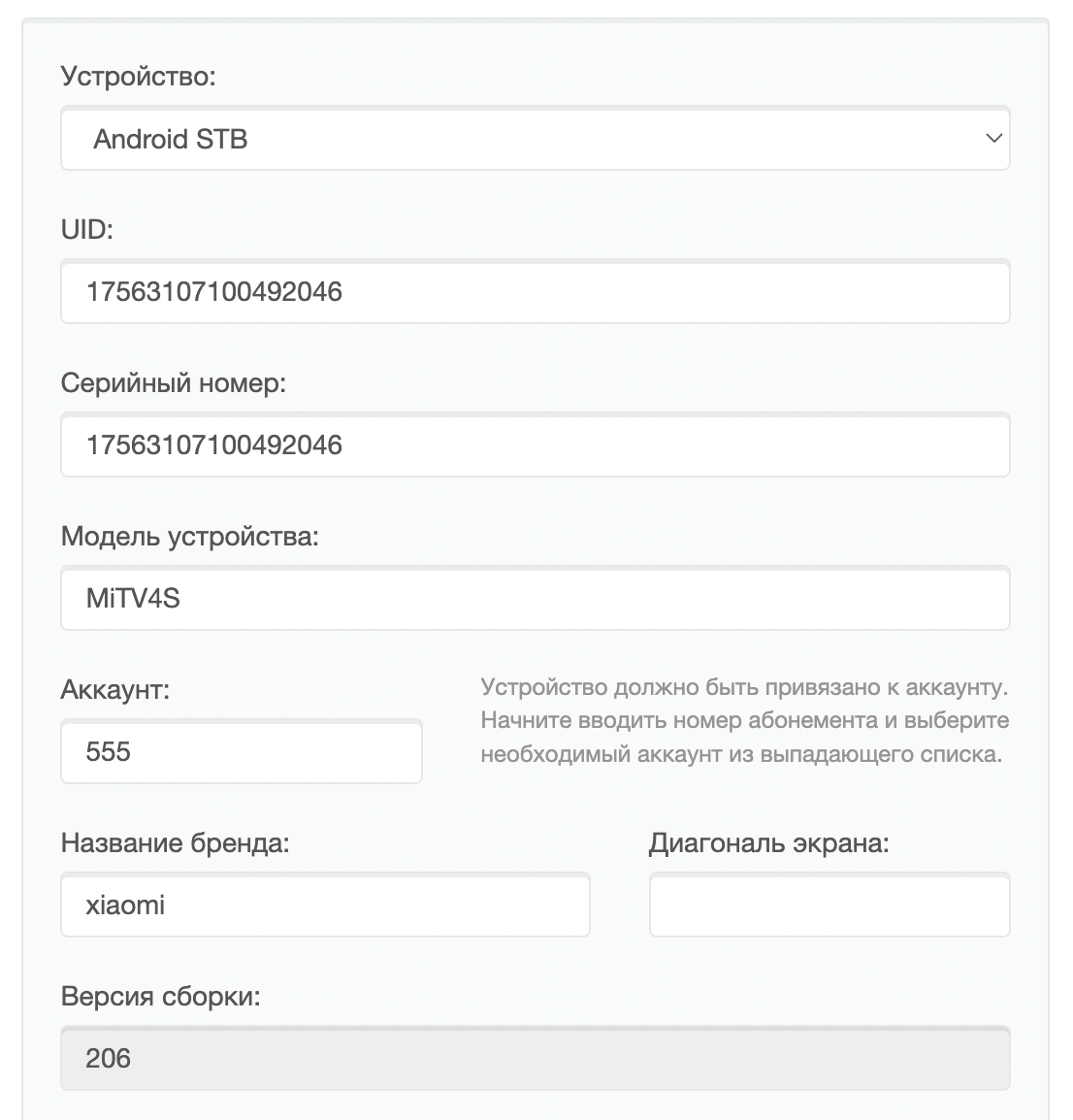
- On the device page added field «Build version » which is filled from the portal side for Android STB.
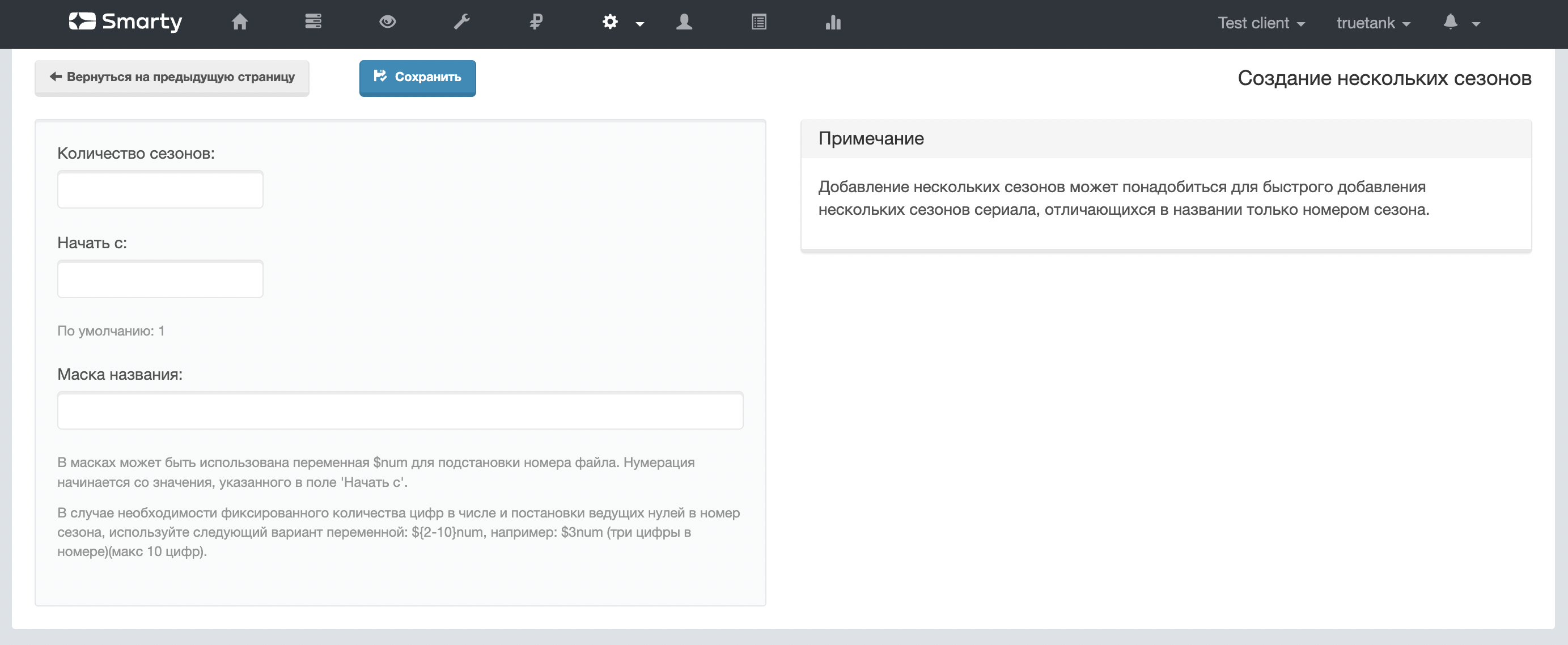
- Added button «Create a few» for seasons of the series.

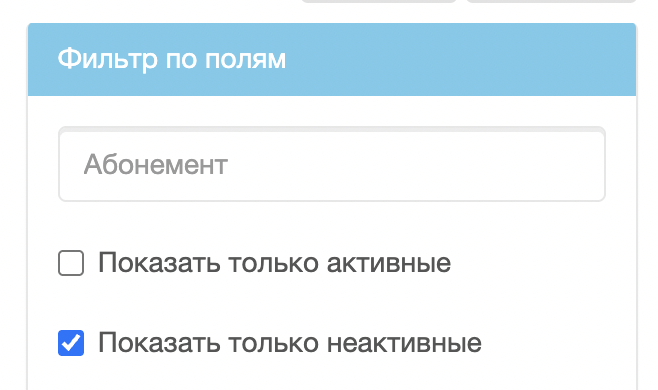
- A new filter has been added to the account list page «Show only inactive».
- Updated channel filter for dashboard tape «Transmissions» — now for the tape you can select specific channels, not just one.
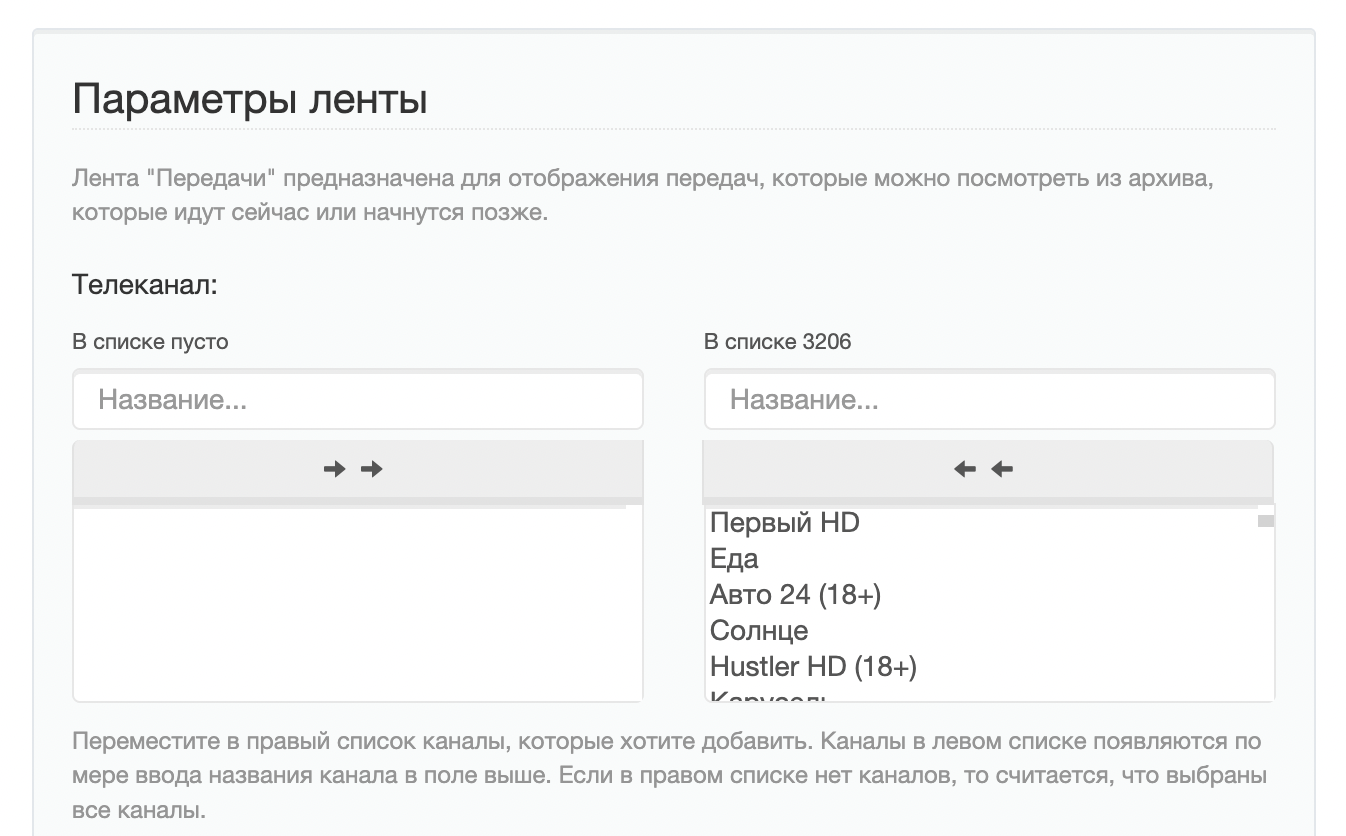
- And also added new filters for the tape «Films »
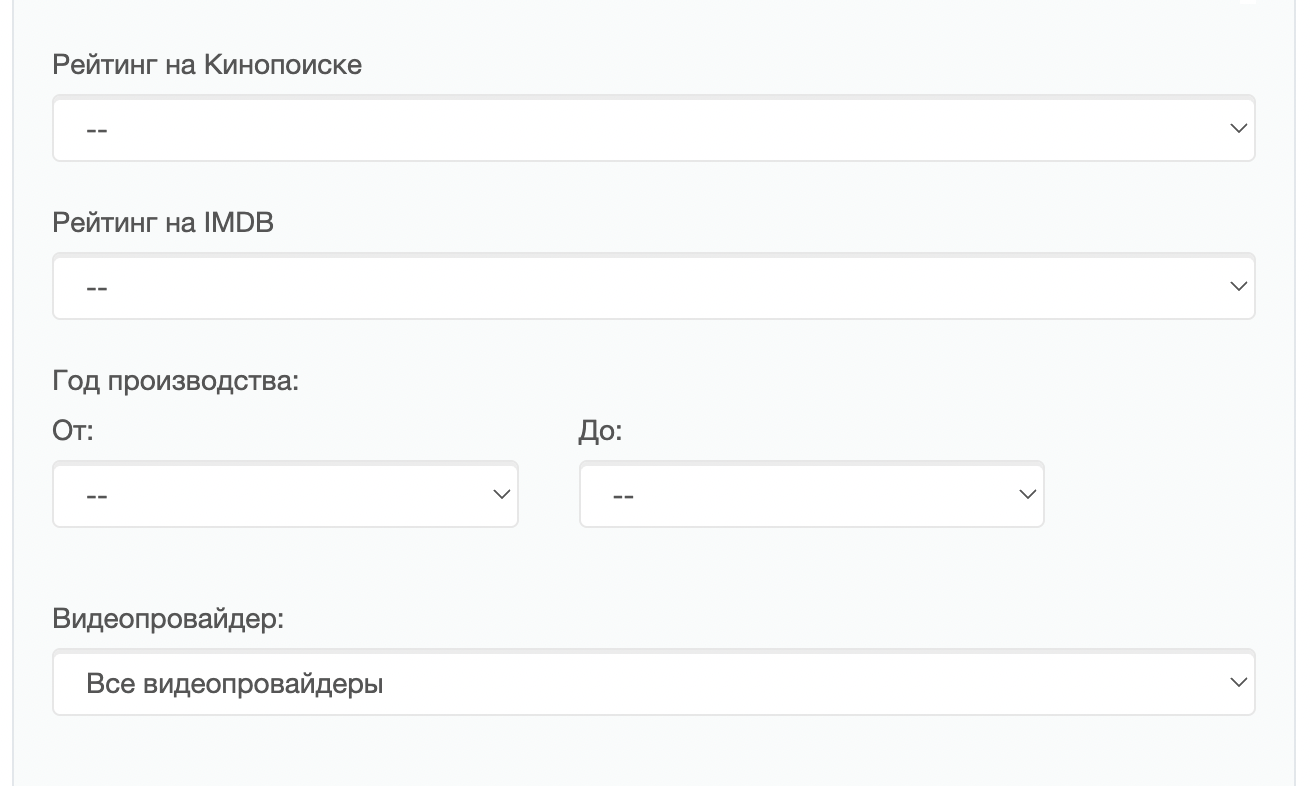
- Added option
UPDATE_CHANNEL_LIST_CHANGE, which at the value of False does not initiate a list update on subscriber devices when removing / adding channels in the admin. - Fixed the display of the mass edit button on the page «Settings STB and applications »
- On the film page, the text fields «URL of the poster » and «URL screenshot » are now only used for automatic filling of images from external sources — after successful saving and downloading, they are reset.
- Optimization of the video list export to the file was carried out.
- Added graph deletion functionality for section «Statistics».
- In the service admin Smarty has the ability to change the name of the operator, appearing when sending messages in the SMS-gateway smsc.ru.
Other
- Added support for the platform on OS Debian 12Bookworm).
- Added a new parameter
LOG_REQUEST_TIMEWhen included in the query logs to Smarty, the runtime parameter is added; query execution time. - For stream services with routing type «Python script» added the ability to use the library
feedparserinside this script. - New configuration option added
TVMW_CHECK_STATUS_REASON_ON_LOGINwith the help of which you can turn off the verification of additional account status during authorization. - The work of the advertising report was optimized.
