Ip2location locator
In order to use the geolocation module, you need to download the database or update an existing one. To do this, a command is used:
smarty_manage update_ip2location --settings=settings.It downloads a binary location database and a CSV database to create a directory of cities and countries.
With the help of a downloaded database, you can automatically create countries and cities in Smarty. If cities and/or countries have already been established, they must be removed. The team for creating countries and cities:
smarty_manage sync_geo_ip2location --settings=settings.You can select the locator in Smarty on the screen « General settings» — « General settings Client» — « Engine for the mechanism GeoIP».
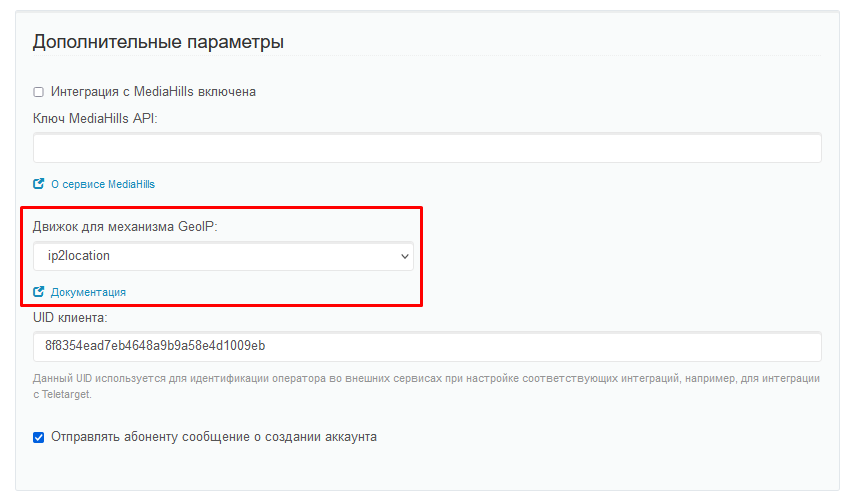
After performing all the actions, the geolocator is ready for use.
Scope of geolocator
Restriction of access to the tariff plan
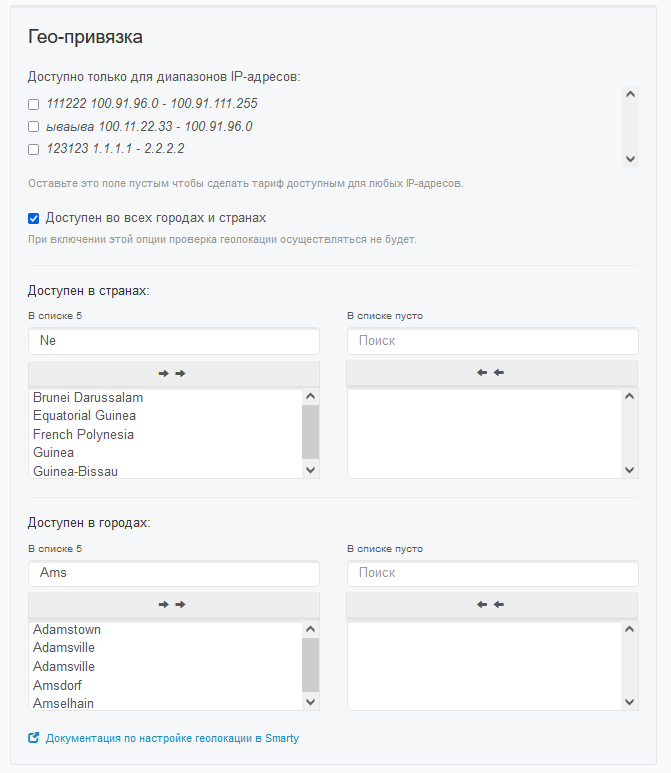
The geolocation module can be used on the tariff plan setting screen to restrict access to this tariff to users from another region.
If the user is located outside the country and / or city specified in the tariff plan, this tariff plan will not be available to him. If the tariff plan is already connected to the user, access to the channels will be limited (in the portal, the channels from this tariff plan will be absent from the list). The restriction is set in the area «Availability options» on the screen editing the tariff plan:
Weather widget:
The geolocation module can be used in the weather widget settings.
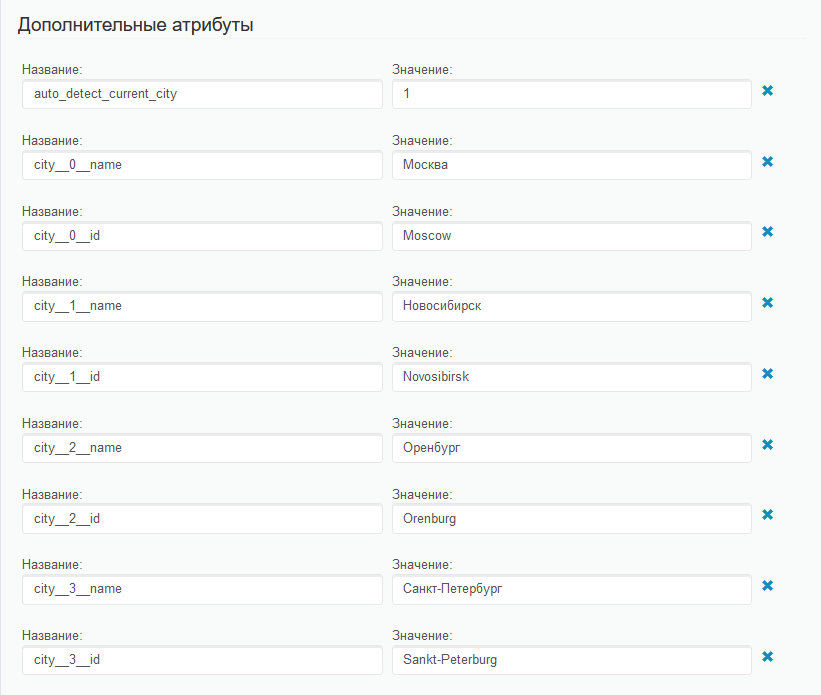
In order that the city for the weather widget is determined automatically (attribute) auto_deect_current_city=1), the geolocation module must be configured. Also, the geolocation module simplifies the creation of cities for the parameter city__NUM_id. These parameters for the weather widget can be set on the widget editing screen in the area «Additional attributes»