
Futuristic X — is a new style of the classic Futuristic interface.
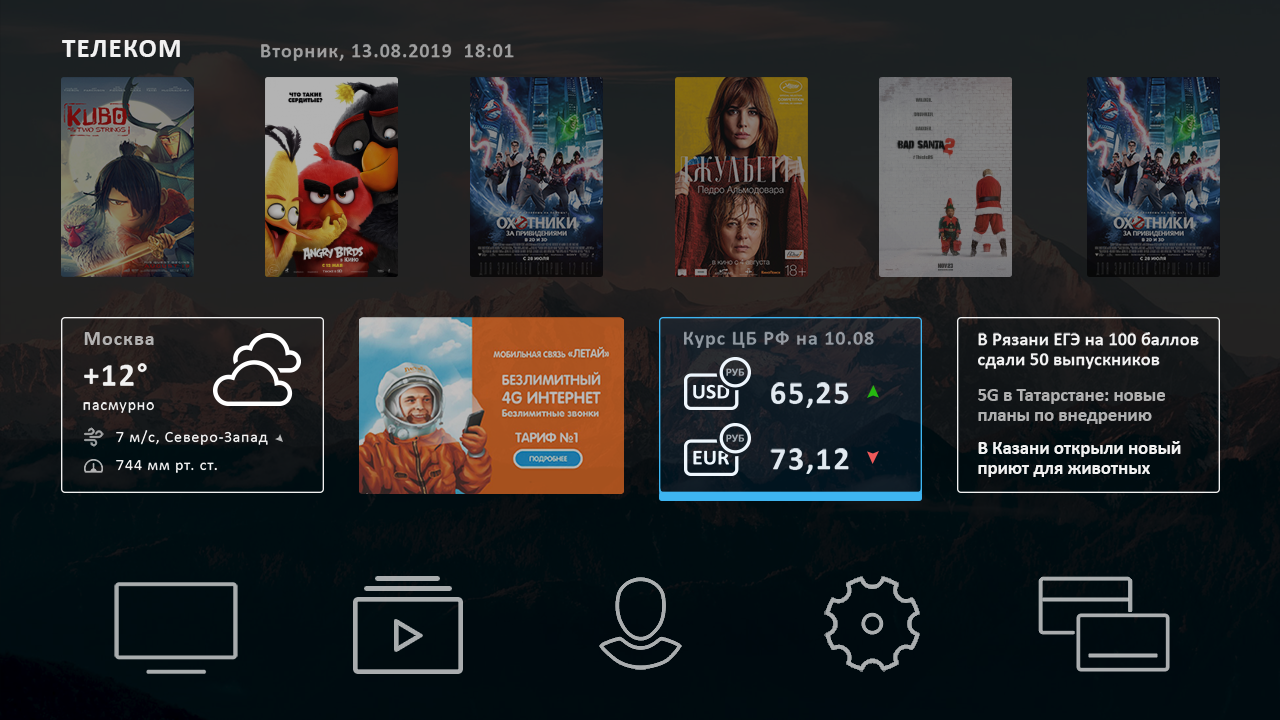
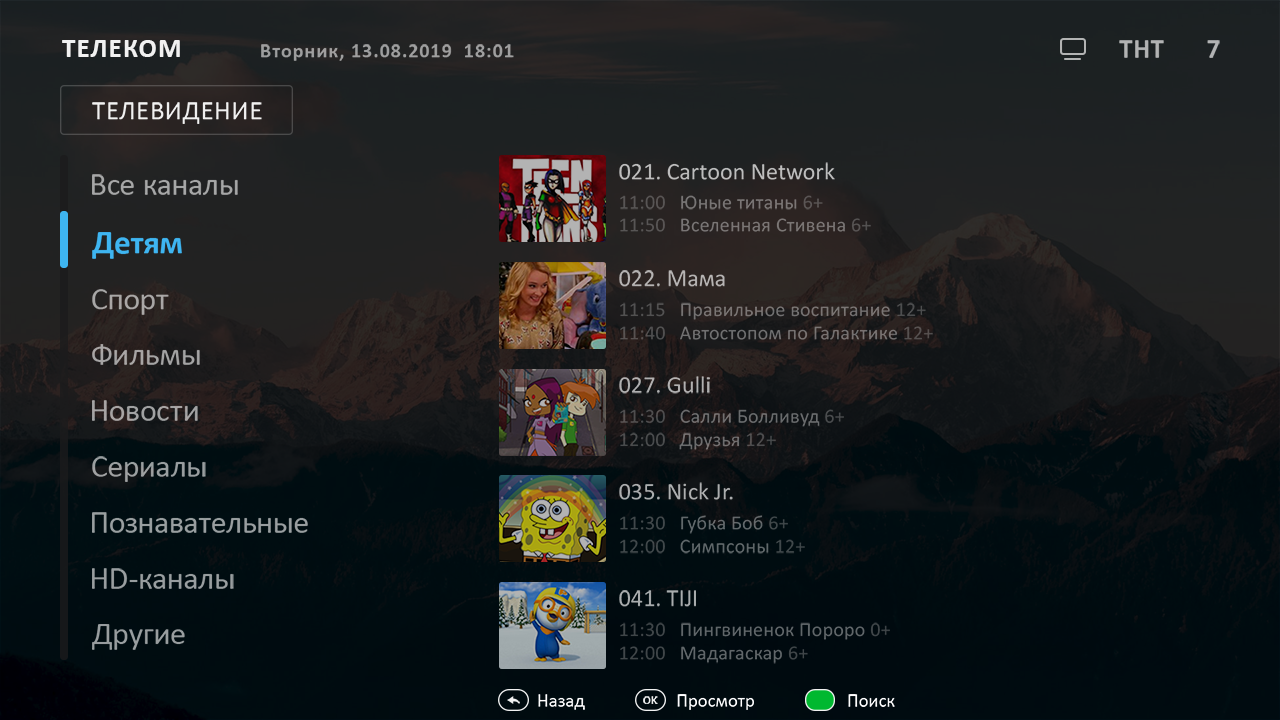
To maintain backward compatibility after installing the appropriate update of the futuristic portal, the new style is not automatically activated, so you need to turn on Futuristic X yourself in the portal settings.
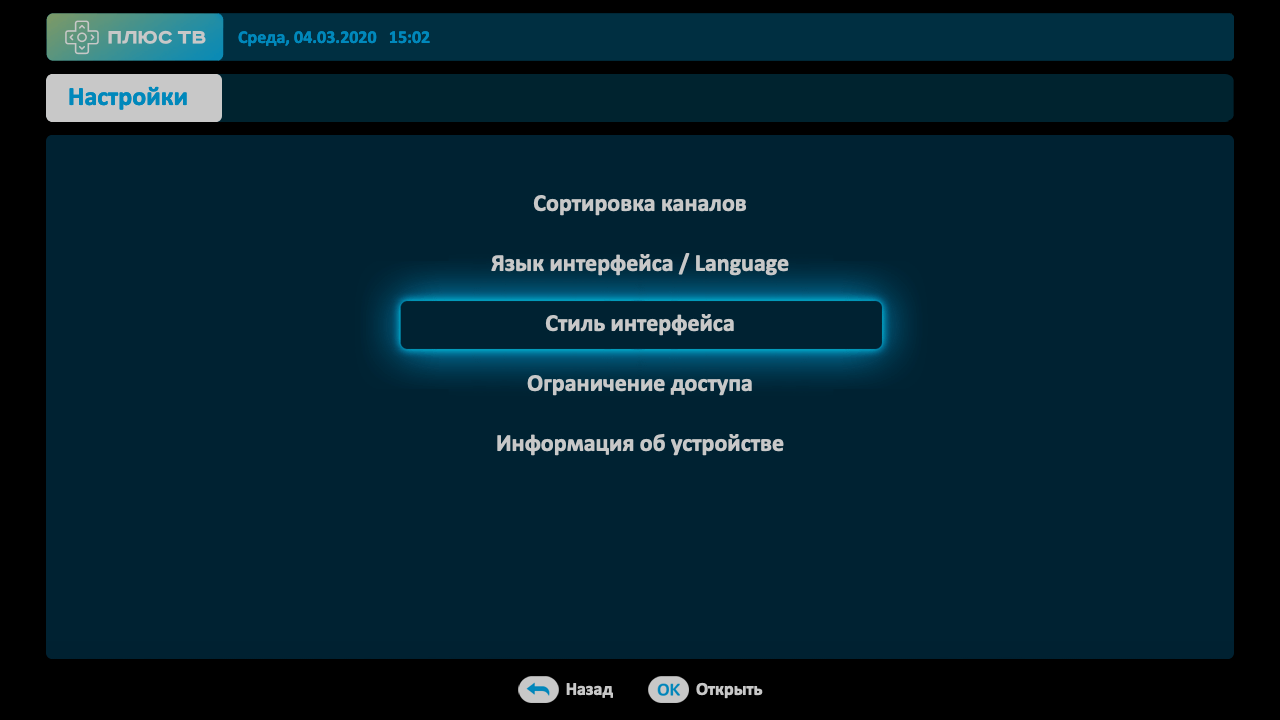
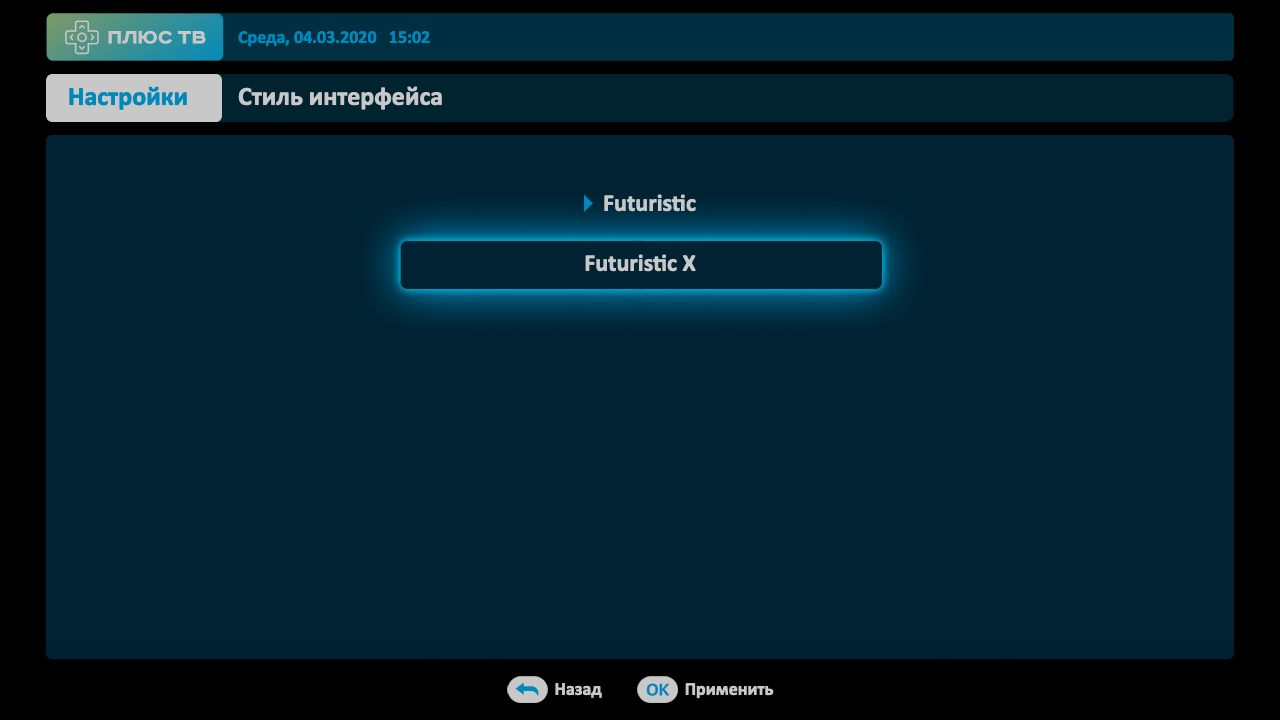
Enabling the option of choosing the style of the portal in the settings
Portal configuration file /etc/microimpuls/portal/client.js an option must be added:
'template_styles':
'futuristic': ['futuristic', 'futuristic_x']
},
After that, in the settings of the portal in the interface, the option of selecting the portal will appear. To activate Futuristic X, the user must select it and press the OK button.
Enabling the Futuristic X style by default
Forcing the new default style to be included in the portal settings file /etc/microimpuls/portal/client.js an option must be added:
'template_style': 'futuristic_x',
To accept changes, you need to restart the device to download the current version of the portal with updated settings.
